Read more here (NVivo partner 2011-2026)
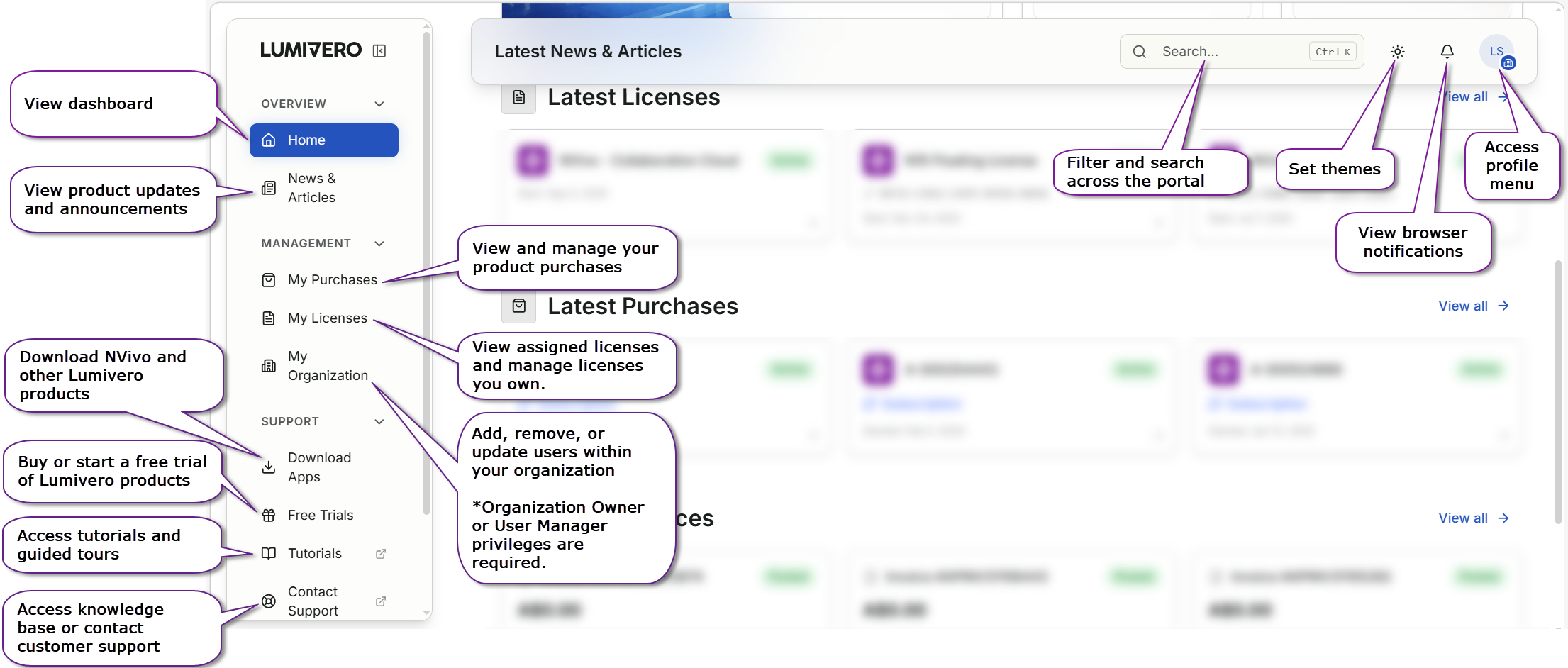
You can download the installation files for the latest and previous versions of NVivo from the NVivo Downloads page within the myLumivero portal (you will be required to sign in with your myLumivero username and password). If you don’t have a myLumivero account, you will be able to sign-up and create a new account.
Under the "Download Apps" section on the left side, you will find the installation file download for the latest version of NVivo and older versions. Which NVivo Version do I have?
Note, if you are an NVivo 12 user, you may not have a myLumivero account. If you need to download the installation files, you can create a new myLumivero account and then download NVivo after logging in via Downloads - Old Versions. If you need access to the installation file of a version older than NVivo 12, you need to reach out to the producer Lumivero.